Monday, September 21, 2020

Lego Project Part 2

This week we continued our lego project and assembled our pieces in Unreal.


First I laid out all of the required pieces:


Then I assembled them as best I could with the reference images we were provided with:


After assembling the ship, I used the same number of pieces to create another ship design below: 


We then needed to make blueprints of each of the ships and set a some events to make the ships spin on their own: 
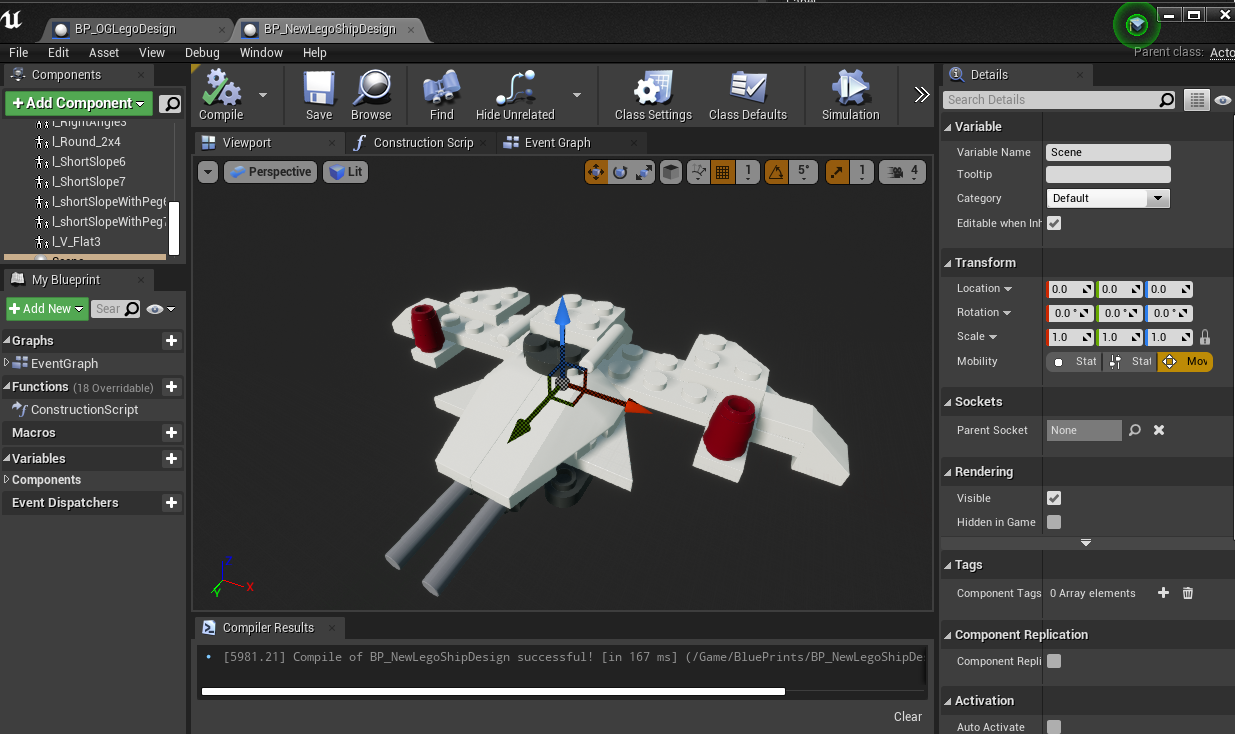


And then after assembling the blueprints, we made cameras and set them to a sequencer to render out.
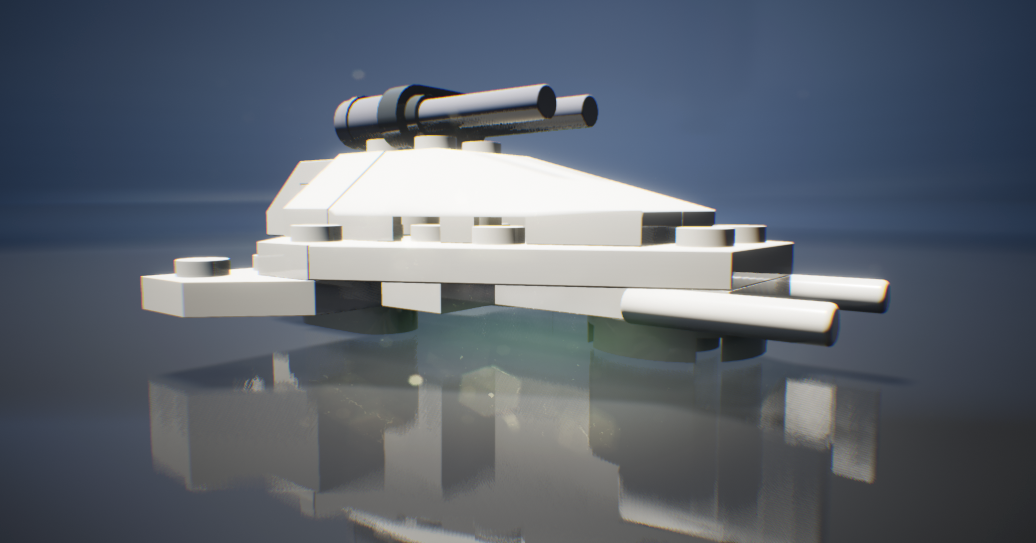


Here is my final result after adjusting postprocessing effects within the engine: 


Thursday, September 17, 2020

Week 03: Value

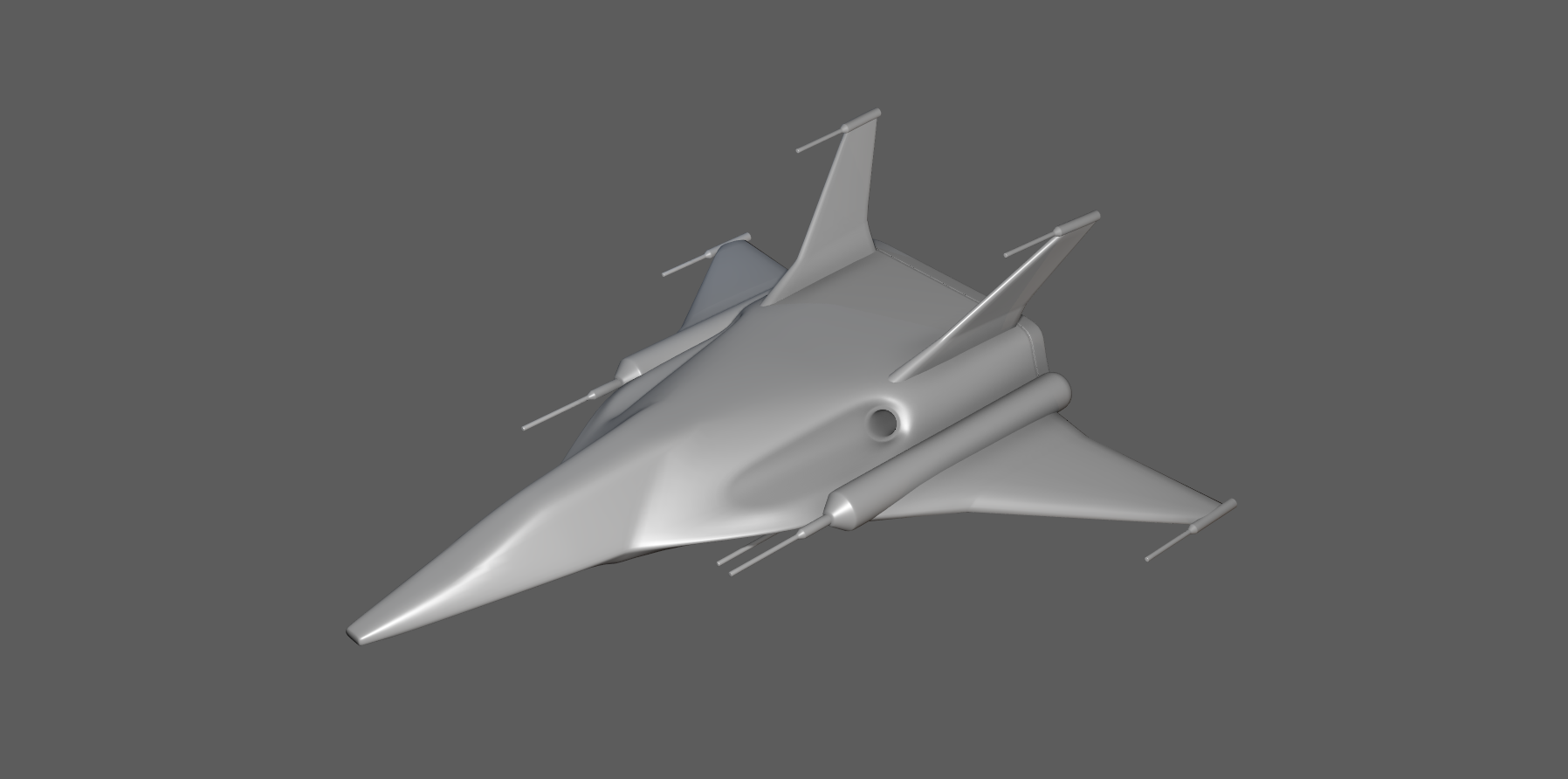
This week we were tasked to take a 3D model and do a study about contrast and value. Below is the board I put together for some lighting reference and color inspiration.


We were given the model below as well: 


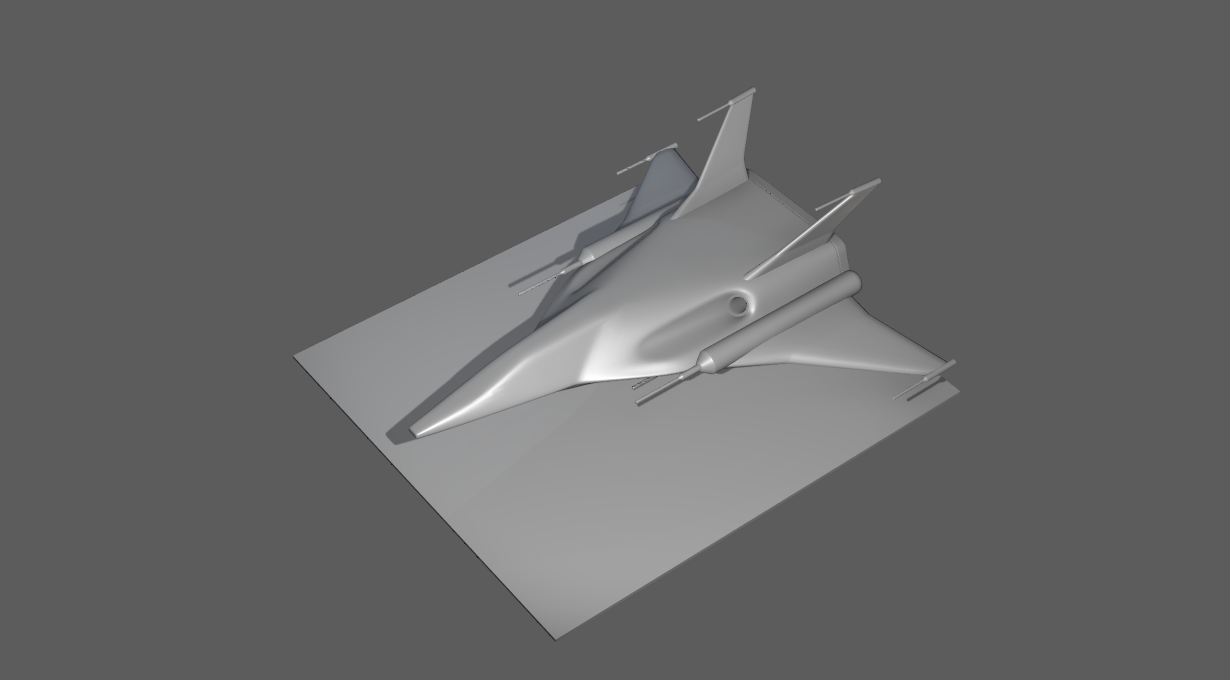
In Photoshop I worked with layers of color and filters and got the below results after:


Sunday, September 13, 2020

Week 03 Lego Project Part 1 : Building the Lego Bricks

 This week we were tasked to create lego pieces in Maya from reference and to a particular scale. 


Below is the reference I decided to follow to create the pieces.


We were given a base scene file and basic legos for reference to get us started on making the rest of the custom pieces.

First for each piece we would need to make the proxy shape.


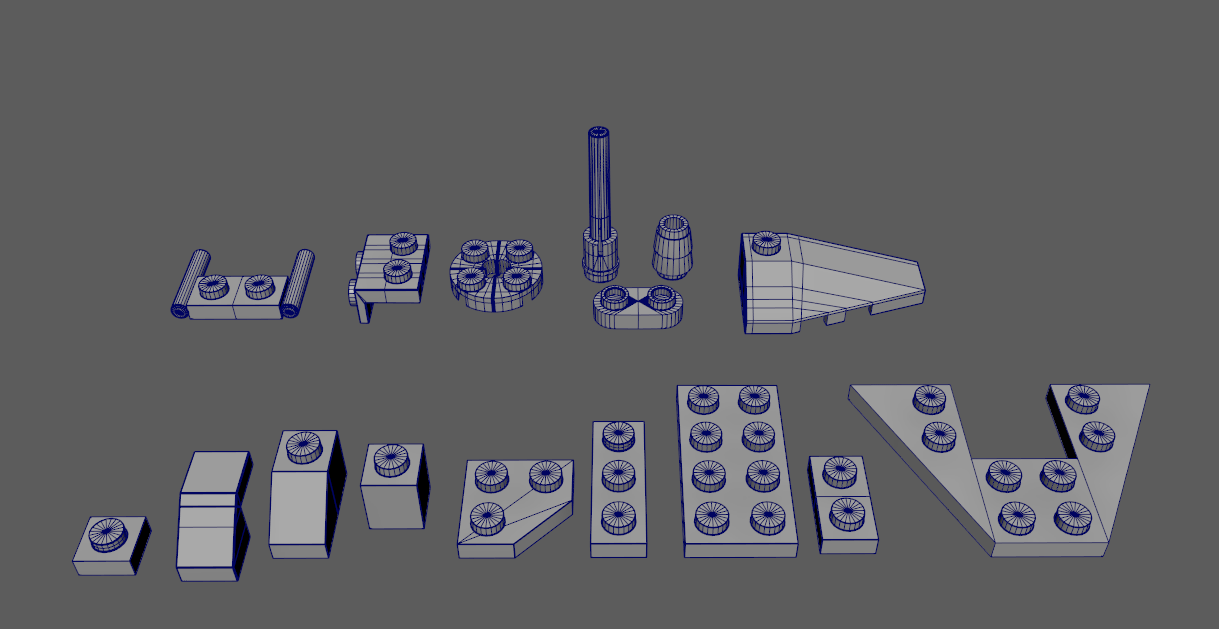
Once the shape was at a place that I was comfortable moving forward with, it was time to add more detail and bevels to get that classic Lego brick look.

Here are the pieces that I will be using to assemble the ship and import all the assets into UE4 next week. 


Wednesday, September 9, 2020

Common Art Week 02: Silhouettes

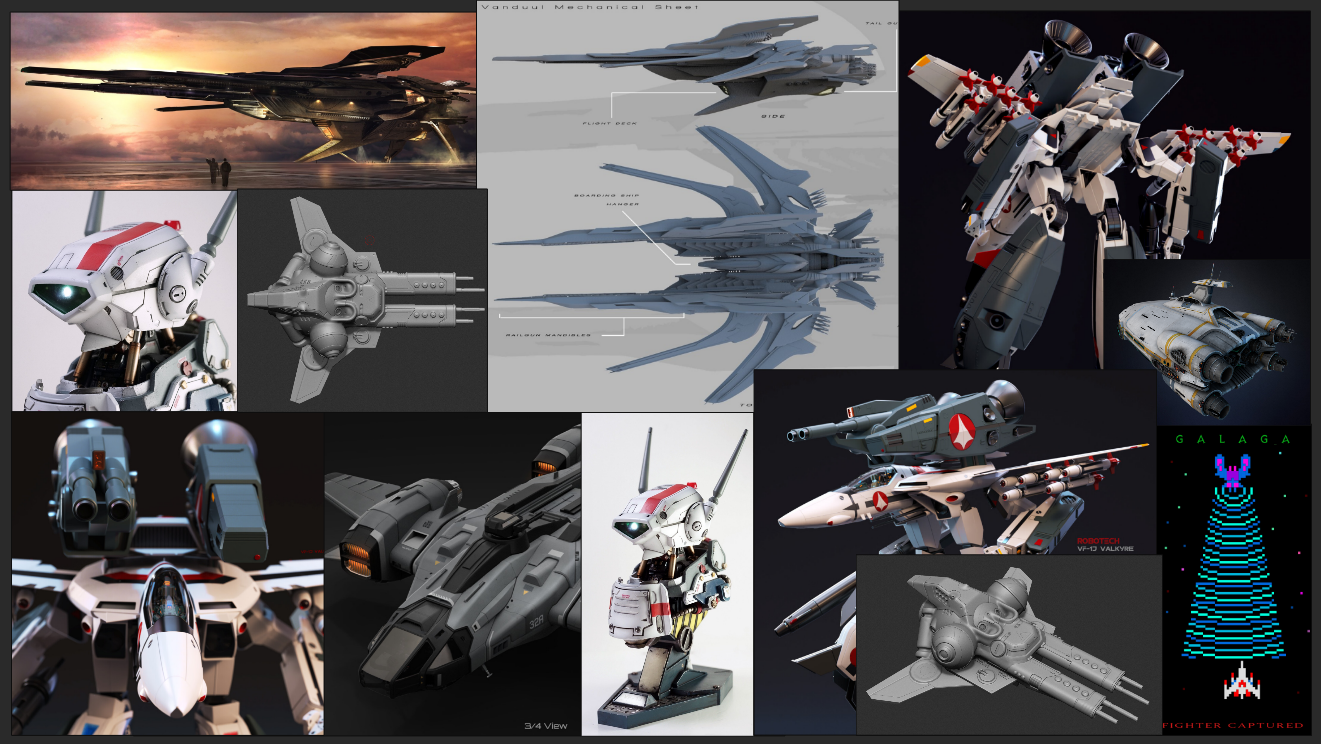
This week for common art we were focusing on Silhouettes. We were provided with a base model and Pureref reference image board to get us started off. The designs we would make were to prepare us for a later collaborative work where a team of us would be updated the classic arcade game Galaga. Whenever I think of Galaga's ships I automatically think about bugs and that is where I focused the majority of my inspiration for my ship designs. 

Here is the reference board we were provided with: 


Here are the images I pulled together for additional reference: 


First I pulled in the base model into a Maya scene and set myself a simple scale reference in order to maintain the general size of the ship to match closely with the original. 


After manipulating and adding some primitives to the model I was able to get the designs below:


Here are the ships in Maya, I am definitely interested in taking the simple shapes further into more fleshed out models in the future. 


Monday, September 7, 2020

3D Art- Week 02 Minecraft

For this weeks assignment, we were tasked to create cubes and textures in the style of minecraft and then to create a scene in unreal. 

I chose a collection of images to pull inspiration from below prior to jumping into Maya or Unreal.


To start off we needed to create a cube in Maya and give it enough of a rounded beveled edge so that our minecraft style blocks would be easy to UV and texture.


Next I laid out the uv's before hopping over into Photoshop to add textures. 


Then I set up the test texture in Photoshop and then imported that into Maya to make sure that my layout was working properly. 


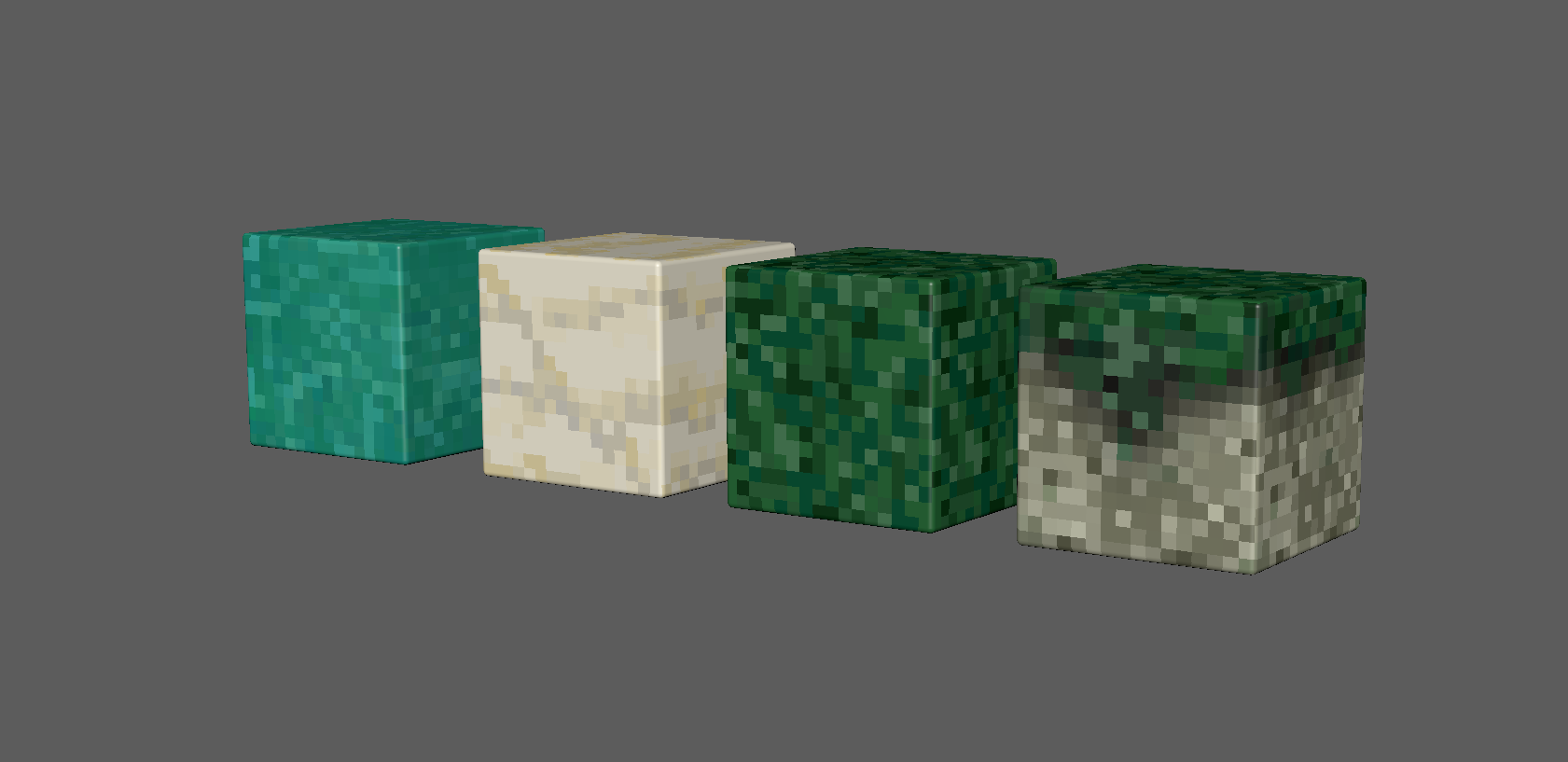
Now that my texture and layout were good, I moved forward and created 4 different blocks that I would be using in my Unreal scene. 


Once in unreal I set up the material that would be applied to the different blocks.


Here are the blocks once in the scene: 


I did a quick and simple layout in Maya and imported that into unreal, that way I had a bit more of an idea of where to place my blocks in the scene.


Here are some shots in engine: 


After adjusting blocks and lighting here are my final results.


Thursday, September 3, 2020

Common Art Week 01: Sparth

This week for common art we were tasked to explore basic shapes in 3D to create a piece of 2D art inspired by the artist Sparth. 

I put together multiple references and decided on a few images that I wanted to recreate below. I liked the layout of the first image, the color palette from the second, and the ship design from the third.


I started off with some cubes and rectangles, and set the ground plane in Maya.


I continued to add some more shapes and add some lighting. This would be the camera angle I chose to render out.


I added more details to the scene with a ship inspired from one of Sparth's designs.


I rendered out the Maya scene as a .png and imported the image into Photoshop and started on the line work first. 


After the line work was completed, I moved on to the base colors and then added more details to get a similar painting effect that Sparth uses in some of his concept work.


After adjusting some of the colors of the ship, this was the final version of the piece. 


Project 03: Week 04 Final Presentation